

Adding Buy Online, Pick up in Store Features to the Storefront
You can enhance the storefront browsing experience by letting shoppers see and select a Pickup fulfillment method.
The biggest benefit is that shoppers can see product inventory availability by location. This helps inform their shopping decisions.
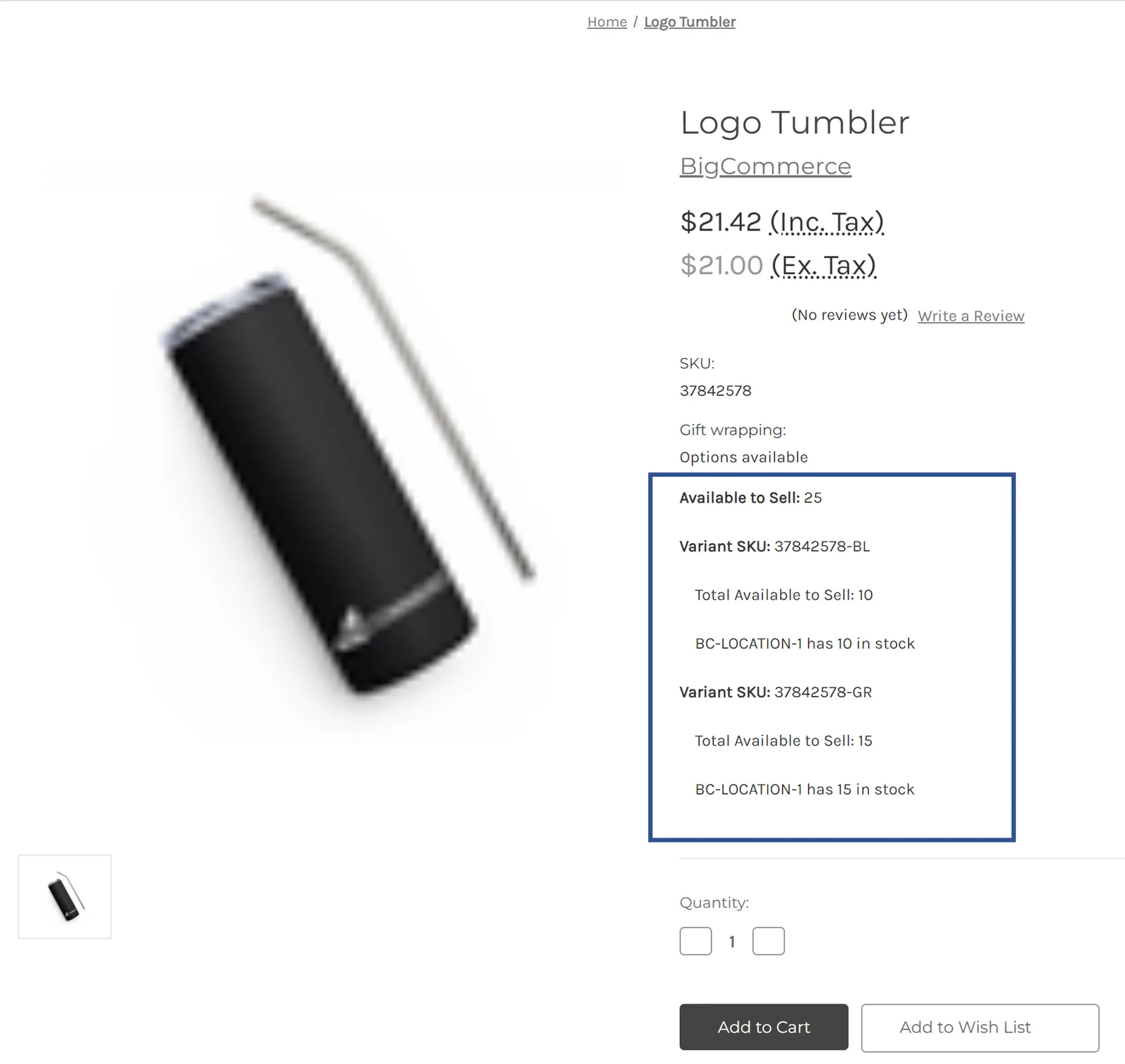
Adding inventory data experiences can be achieved by customizing a store’s theme to query the GraphQL Storefront API and display the appropriate components for availability.
The Query Locations with the GraphQL Storefront API and Query Inventory with the GraphQL Storefront API pages contain info about what has been added to the API to support Buy Online, Pick up in Store features.
The following example shows how you can show inventory for the base product and its variants using Stencil:
- Add the following GraphQL attribute to the Stencil Front Matter of the
product.htmlpage:
- Add the following handlebars to the
product-view.htmlpage: