

Preparing Thumbnail Images
Displaying theme thumbnail images
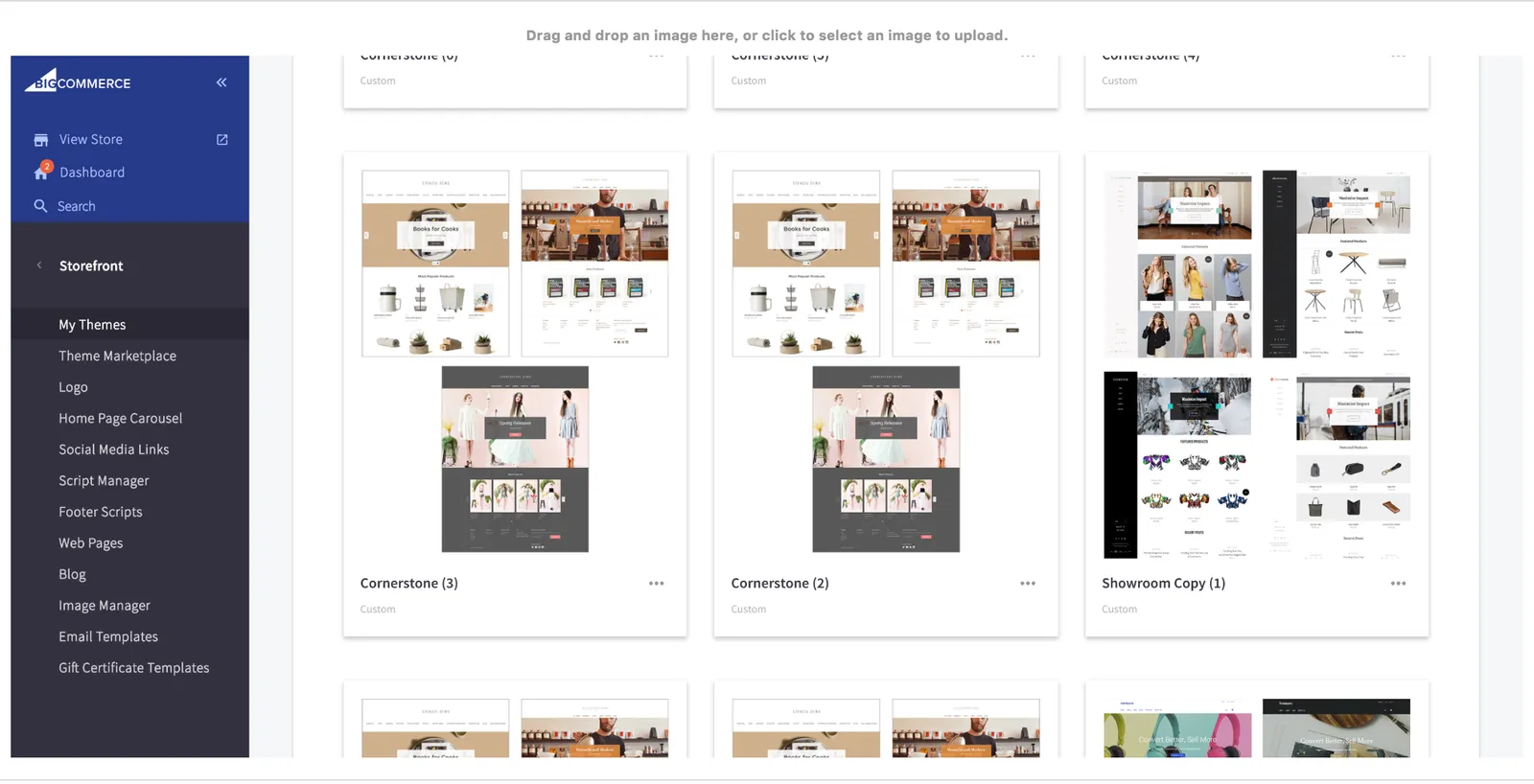
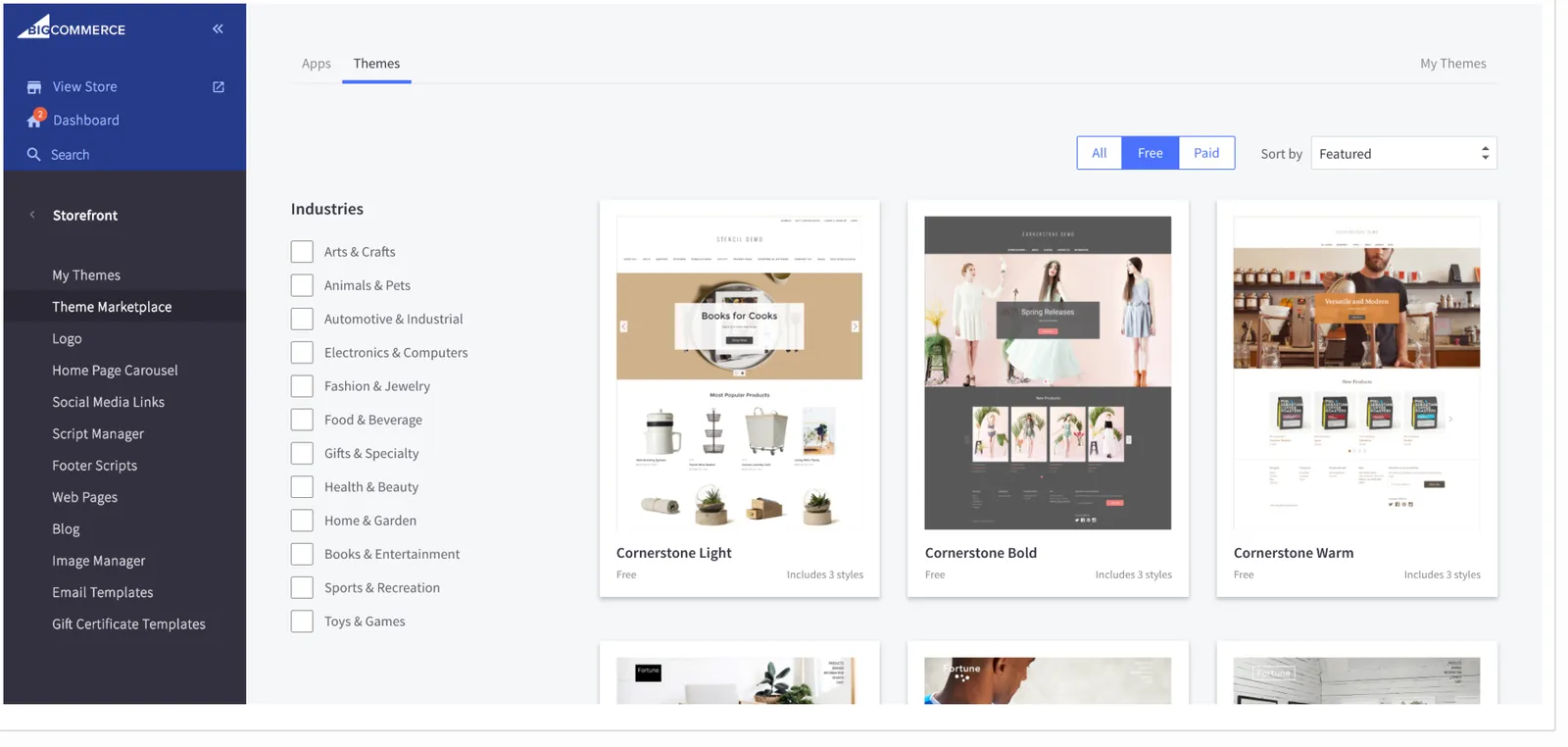
A complete Stencil theme includes screenshots to display the theme on cards that appear in two locations within a non-active MSF BigCommerce control panel:
- Storefront › Themes: Each individual card displays a composite which is an image that contains combination of screenshots of the theme’s multiple variations.
- Storefront › Themes Marketplace: Each card displays one variation of your theme. The three variations of Cornerstone (Light, Warm, and Bold) are displayed across three separate cards.
General image requirements
All screenshots described below must meet the following specifications in order for the stencil bundle command to be able to process them:
- Must be saved to a supported image file type: .jpg, .jpeg, .png, or .gif.
- Must be stored in your meta/ subdirectory.
- Must be in portrait aspect ratio.
Theme-wide composite image
The theme-wide composite image represents your theme in a non-active MSF BigCommerce control panel’s Storefront › Themes, which shows merchants their currently available themes, including any custom uploaded themes.
This file will normally be a mosaic of screenshots from multiple variations within your theme. It must meet the following requirements, beyond the general specifications above:
- Resolution of 600 x 760 pixels (horizontal x vertical).
- File size smaller than 2 MB.
- Arbitrary filename prefix, referenced in your config.json file as the
metaobject’scomposed_imagekey value.
Here is an example of a compliant file type and location:
meta/composed.png
Here is how you would reference this file within config.json.
Variations: desktop and mobile screenshots
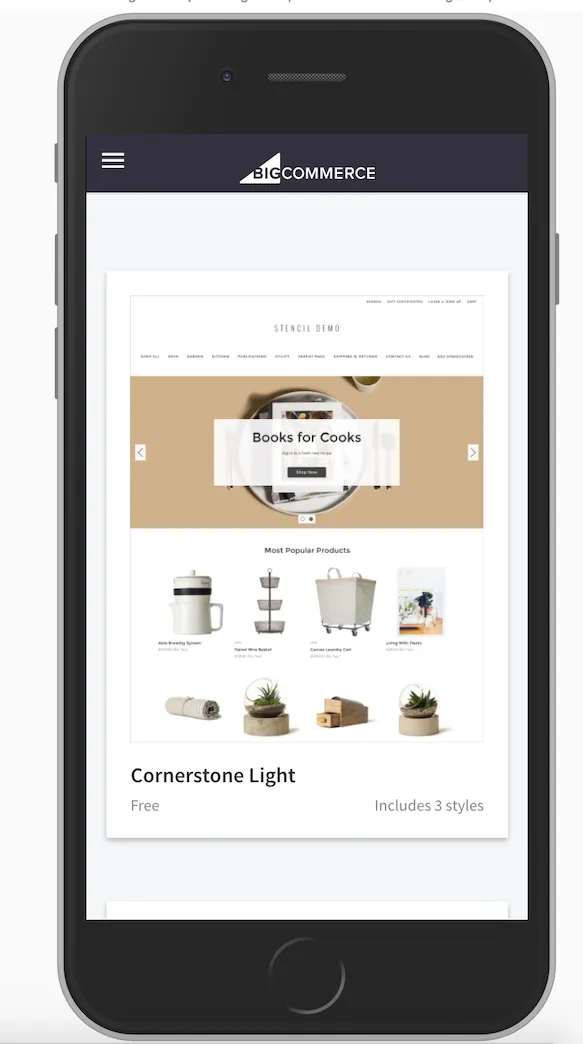
Each variation within your theme must be represented by two additional screenshots if you want that variation to appear in a non-active MSF control panel’s Storefront › Theme Marketplace, which shows merchants the themes that are available for download.
Desktop screenshot
The first screenshot, showing your theme on a desktop viewport, must meet the following requirements beyond the general specifications above:
-
Resolution of 2048 x 2600 pixels.
-
File size smaller than 5 MB
-
Arbitrary filename prefix, referenced in your config.json file as the
variationsobject’sdesktop_screenshotkey value.
Mobile screenshot
The second screenshot, showing your theme on a mobile viewport, must meet the following requirements beyond the general specifications above:
-
Resolution of 304 x 540 pixels.
-
File size smaller than 1 MB.
-
Arbitrary filename prefix, referenced in your config.json file as the
variationsobject’smobile_screenshotkey value.
Below is an example showing two files of compliant types and location.
meta/desktop_bright.pngmeta/mobile_bright.png
Here is how you would reference these files within config.json, for a variation named Bright: