Multi-Language
Multi-Language
Support for multiple languages on a single Stencil storefront channel is currently in beta.
Introduction
BigCommerce lets you present a personalized shopping experience to shoppers in different locales by supporting multiple languages on a single storefront channel. A shopper browsing in French, for example, sees French product names, checkout text, and locale-specific formatting — all from the same Stencil storefront, without you maintaining a separate store per language.
This multi-language support spans your entire storefront: static theme content like buttons and labels, dynamic catalog data like product names and descriptions, and checkout UI text can all be localized for each language you support.
Available Locales
Recall that your Stencil storefront’s available languages are selected when initially setting up the storefront channel. You can also change the default and available languages at any time in the Localization tab when viewing the channel in the control panel.
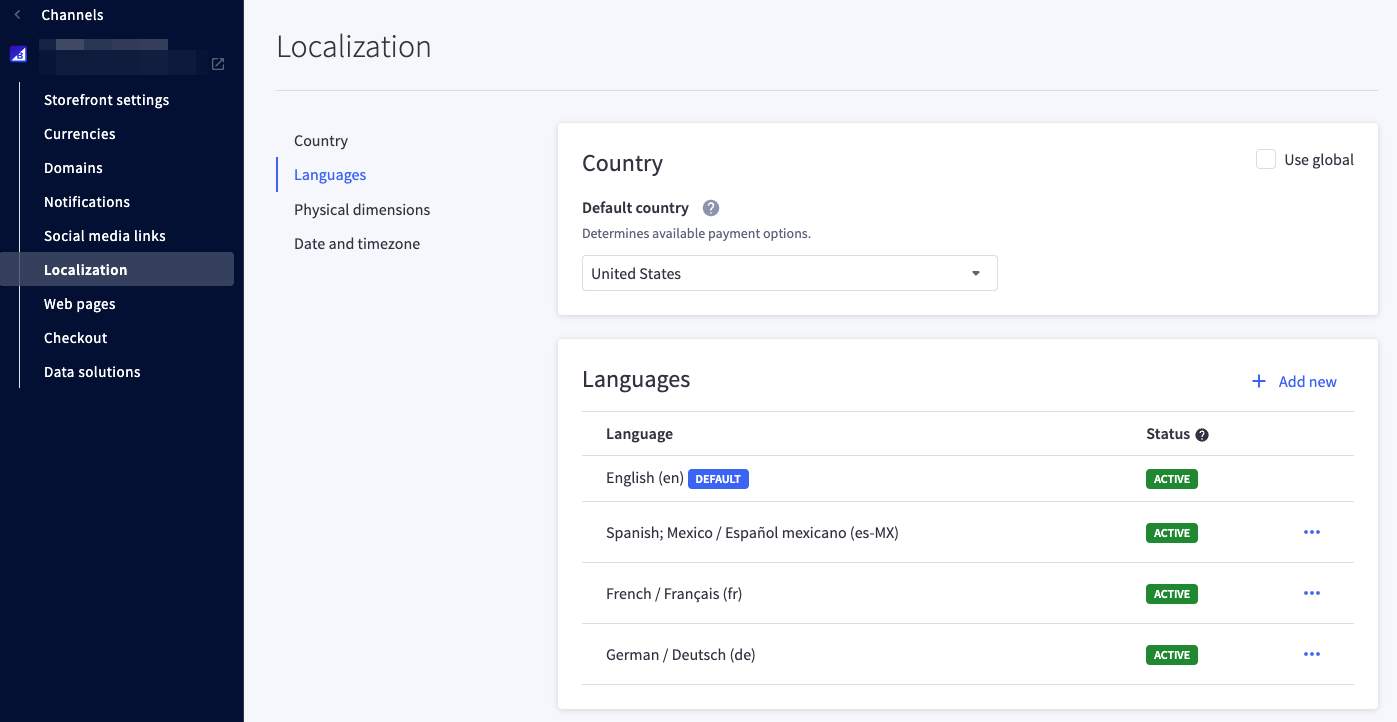
Each available language is expressed with a locale code (for example, en).
How Locale Is Detected
Stencil uses a locale segment in the URL to determine which language to apply to a request, for example:
mystore.com/fr/my-product
Both static phrases from your theme’s language files and dynamic content, such as product data, are localized to match the locale segment present in the URL.
Shoppers switch languages explicitly, using the language selector.
Language and Currency Switchers
Cornerstone includes a currency switcher in the site header when your storefront channel has more than one transacting currency enabled, powered by the global currency_selector Stencil object.
The language selector is included in Cornerstone 6.19.0 and above.
Cornerstone also includes a language switcher in the site header when your storefront channel has more than one language enabled, powered by the new global language_selector Stencil object:
The switcher is rendered by two Cornerstone templates, included from the header navigation partials whenever more than one language is enabled:
- components/common/language-selector.html: The desktop dropdown, iterating over
language_selector.languagesto list each language’sswitch_urland highlight the one matchingactive_language_code. - components/common/language-selector-mobile.html: The equivalent collapsible menu used in the mobile navigation.
Localization of Static Text
Static text in your theme, such as labels and buttons, is translated using language files stored in your theme’s /lang directory. Each language has its own JSON file of key-value pairs, such as en.json for English, named according to the BCP 47 specification of language tags and region codes.
Templates reference these keys using the {{lang}} Handlebars helper, which resolves to the value defined for the shopper’s active language. You’ll work directly with language files and the {{lang}} helper in the next lab.
Localization of Dynamic Content
The majority of text presented to your shoppers will originate not with static strings in your theme but with your catalog data, such as product names, descriptions, and categories.
BigCommerce Data
BigCommerce catalog and checkout data can be localized using either the control panel or the Translation Management GraphQL API, covering the following content types:
- Product data, including common fields, options, modifiers, custom fields, categories, brands, and filters
- Customer data, including address fields and form fields
- Checkout settings
- Order statuses and promotions
- Payment methods
- Shipping methods
- Tax zones and settings
You enter details for your BigCommerce data in your storefront’s default language, then provide translations for each additional locale using one of the following methods:
- GraphQL Admin API: Use the Translation Management GraphQL API to set overrides programmatically, which is useful for bulk or automated translation workflows.
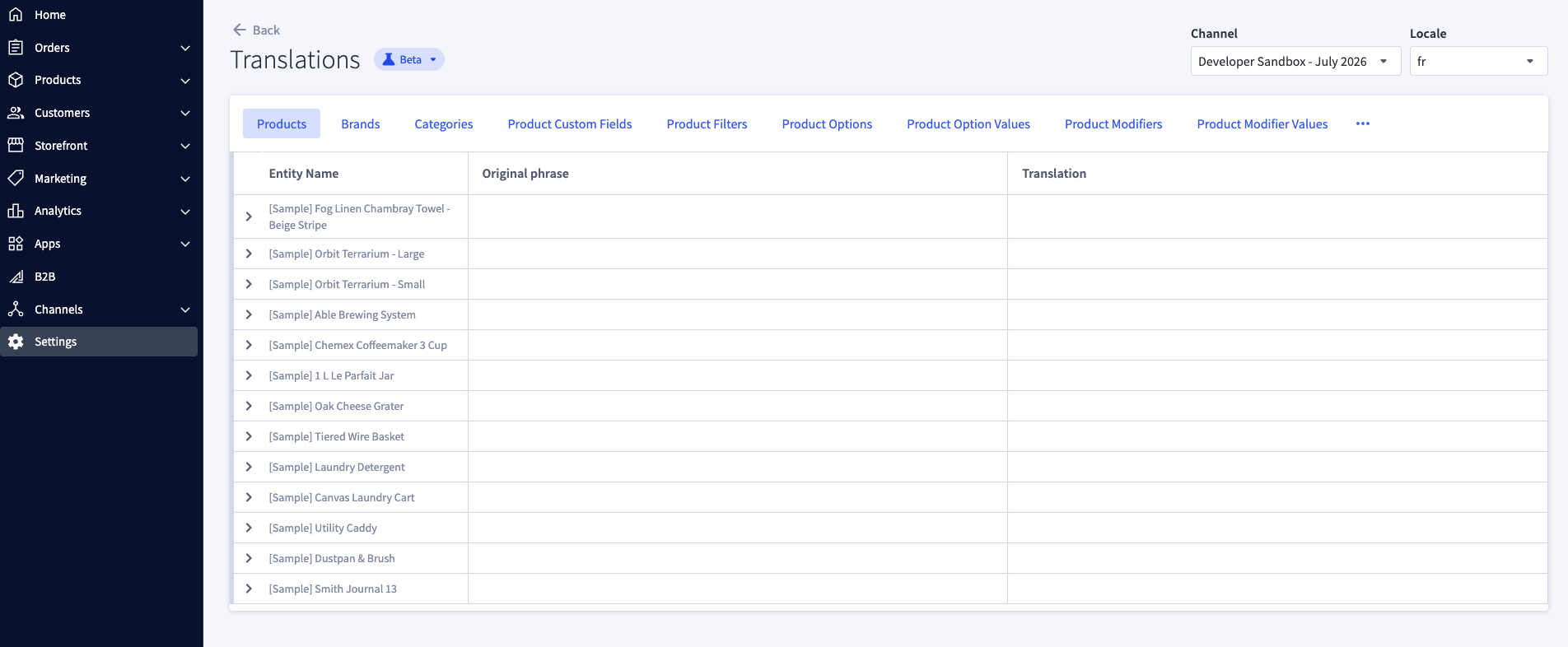
- Control panel: In the Localization tab when viewing the channel in the control panel, choose Add Translations next to a language to enter translated values directly.