

Order Refunds
Handling Refunds
Order v3 exposes endpoints for creating refunds against orders with settled payments. These endpoints are useful when building order management or payment integrations as they make embedding refund functionality directly into the application possible without requiring merchants to return to their BigCommerce control panel.
Refund Quotes
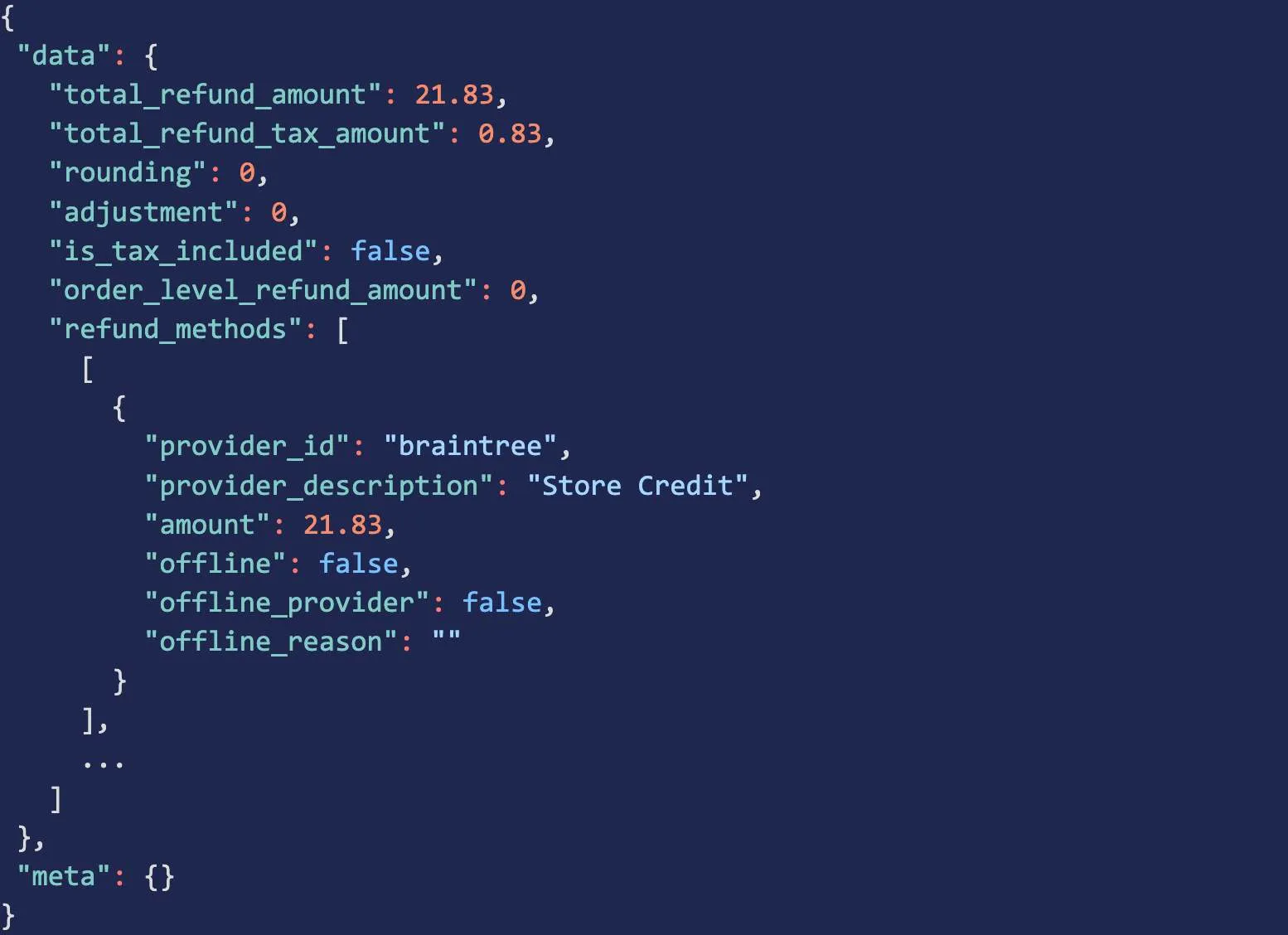
A refund quote provides the tax amount, total refund amount, and a list of available payment methods for order refunds.
To get an item_id, make a GET request to v2/orders/{order_id}/products. The returned id value is the item_id needed to create a product refund quote. The returned order_address_id value is the item_id needed to create a shipping refund quote.
To get a list of orders and their ids, make a request to get all orders.
Creating a Refund
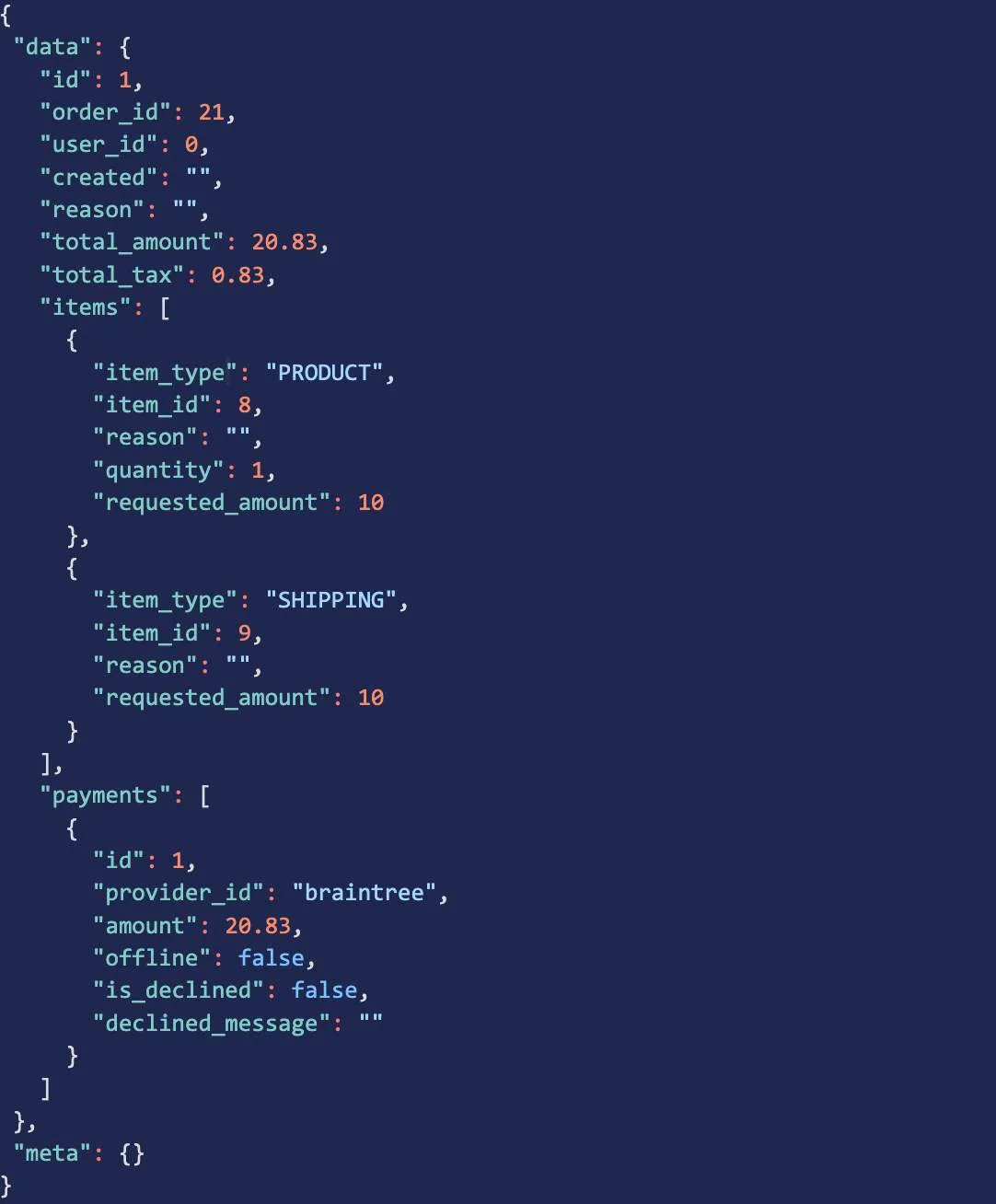
Use the provider_id, the amount and items from the refund quote to create a refund.
- Tax-exempt custom amount at the order level - set
item_typetoorderand specify the amount to refund - Refund shipping or handling - set
item_typetoshippingorhandlingand specify the amount to refund - Refund products or gift wrapping - set
item_typetoproduct orgift_wrapping` and specify the quantity to refund
Offline Order Refunds
Payments collected outside of BigCommerce can be marked as offline when creating a refund. Marking payments as offline is a way to keep track of which portions of an order you refunded. If you did not receive payment using BigCommerce, then the funds cannot be refunded directly to the payment source using BigCommerce’s refund endpoints.