

Order Products
Lesson 14 of 26 · 30 min
Order products are the product line items belonging to an order.
Pricing
- If price is not specified, it will automatically pick up the price from the store’s product catalog. However, you can override this via
price_inc_taxandprice_ex_tax. - If the
price_inc_taxorprice_ex_taxspecified then any variant pricing is ignored and the order productsbase_priceis updated according to the store settings. For example, if the store is set to display prices with tax included, then thebase_pricewill beprice_inc_tax.
Stock
- For products that are configured to track stock, the quantity specified on the order will reduce the stock on hand.
- When there is not enough inventory to fulfill the order, the order will be rejected with an “out of stock” error code.
Min and Max Quantities
- For products that have min and max quantities specified in their settings, the API will honor these, and will reject orders appropriately.
Options
- For products where product options are required, the API will validate these requirements to ensure that the product options are specified.
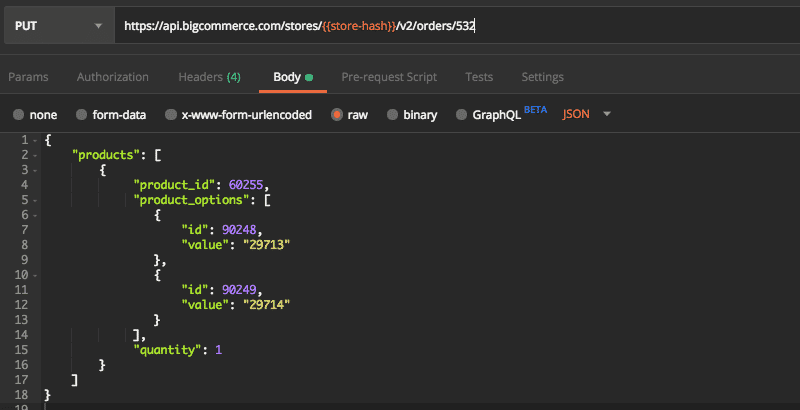
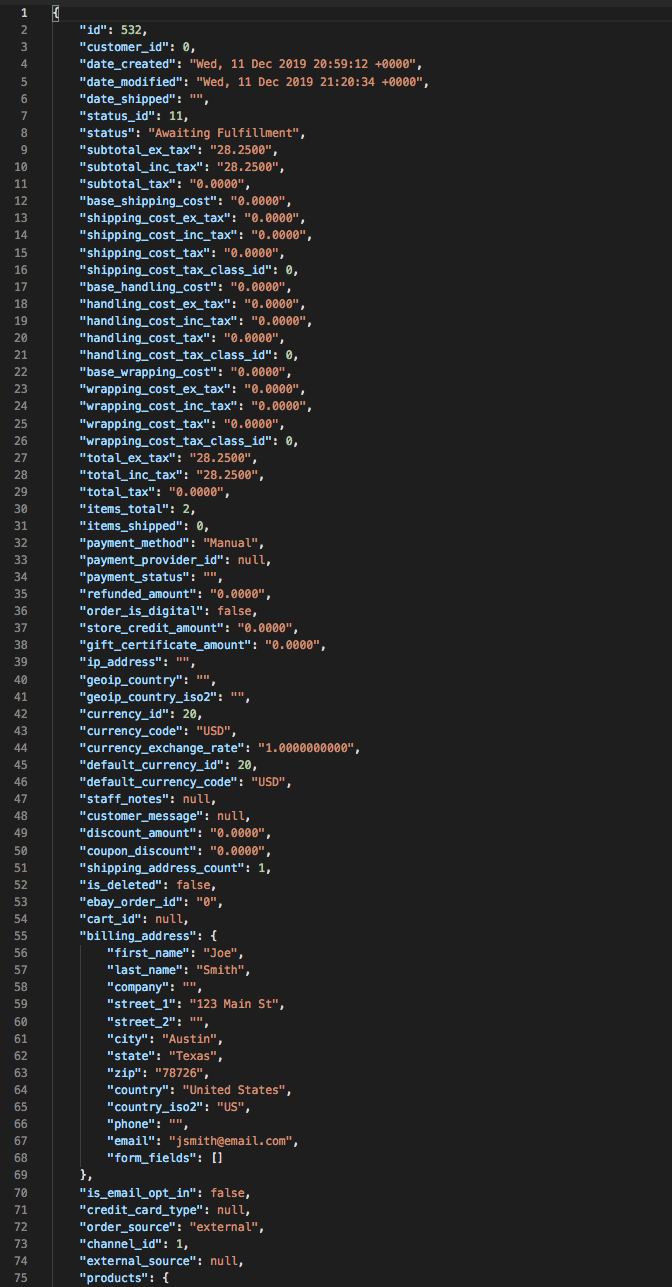
Add a Product with Options to an Existing Order
Customer File Uploads
- For products that allow customers to upload a file at checkout (i.e., an image uploaded for a t-shirt order), developers can follow these steps to retrieve the file:
- Get the filename value from
GET /orders/[order_id]/products, in theproduct_optionsarray - Use that filename value to download the file via WebDAV using the following path:
https://store.com/product_images/configured_products/[value]
List Order Products
Lists all order products on an order using order_id with a GET request to: /orders/{order_id}/products