

About Stencil
Introduction
Stencil is BigCommerce’s integrated theme engine for storefronts hosted directly by BigCommerce. The visual presentation and client-side functionality of a Stencil storefront is controlled by a theme package that is uploaded or obtained from the theme marketplace.
Stencil also supports presenting your storefront in multiple languages from a single store. You can add languages and provide translations for content like product data, categories, and checkout settings using either the Translations Admin GraphQL API or the Localization tab in the control panel, so shoppers see your storefront in their preferred language without you needing to stand up a separate store per language.
Multi-language support for Stencil storefronts is currently in beta.
For developers familiar with traditional server-side frameworks and common HTML template patterns that comprise their view layers, Stencil likely has a lower barrier to entry compared with a fully composable solution. The trade-off is more limited flexibility for customization of server-side functionality.
The officially maintained, open-source Cornerstone theme is an optimized, responsive, and fully functional starting point for your custom theme development. Cornerstone is the default theme applied on every new Stencil storefront.
The Stencil Tech Stack
The following technologies are key parts of the existing tech stack in Stencil and the default Cornerstone theme, or else key tools for common customizations.
- Handlebars: This lightweight JavaScript-based templating language is essential for handling dynamic data and logic within the templates that make up a theme.
- YAML: Front matter defined with YAML syntax in templates controls some aspects of the data that is loaded server-side.
- Node.js and npm: The dependencies of a Stencil theme are managed with the npm package manager.
- Sass: The Sass language extension for CSS provides a number of sophisticated features for making your styles reusable and well organized. Sass is the primary CSS language used in Cornerstone.
- Foundation: The BigCommerce Citadel styling framework is an extension of the Foundation framework for responsive components and mixins.
- jQuery: Used by Cornerstone by default, jQuery is a JavaScript framework that simplifies tasks like event handling, animation, and data requests.
- Stencil CLI: The Node.js-based Stencil CLI facilitates running a local dev server, as well as bundling and uploading your theme package.
Developers have full freedom to customize the dependencies and libraries loaded within their Stencil package, as well as to inject JavaScript for complex features. This means that most custom features can be achieved, as long as a client-side strategy is feasible. However, due to the nature of Stencil as an integrated theme engine, customization affecting server-side behavior is more limited.
Visual Editors
BigCommerce provides visual editors in the store control panel that allow admin users to build and format content throughout the storefront without the need for changing theme files or writing code. On a Stencil storefront, you can use either Page Builder or Makeswift to compose pages and apply consistent styling.
Both editors let you configure theme styles for your storefront.
Theme styles are style settings — such as colors, fonts, and layout options — that you configure to consistently apply a look and feel across your storefront. These styles affect content controlled by the Stencil theme.
Page Builder
The BigCommerce Page Builder is a visual editor specifically for Stencil themes. Along with theme styles, it lets you customize your store’s content with widgets.
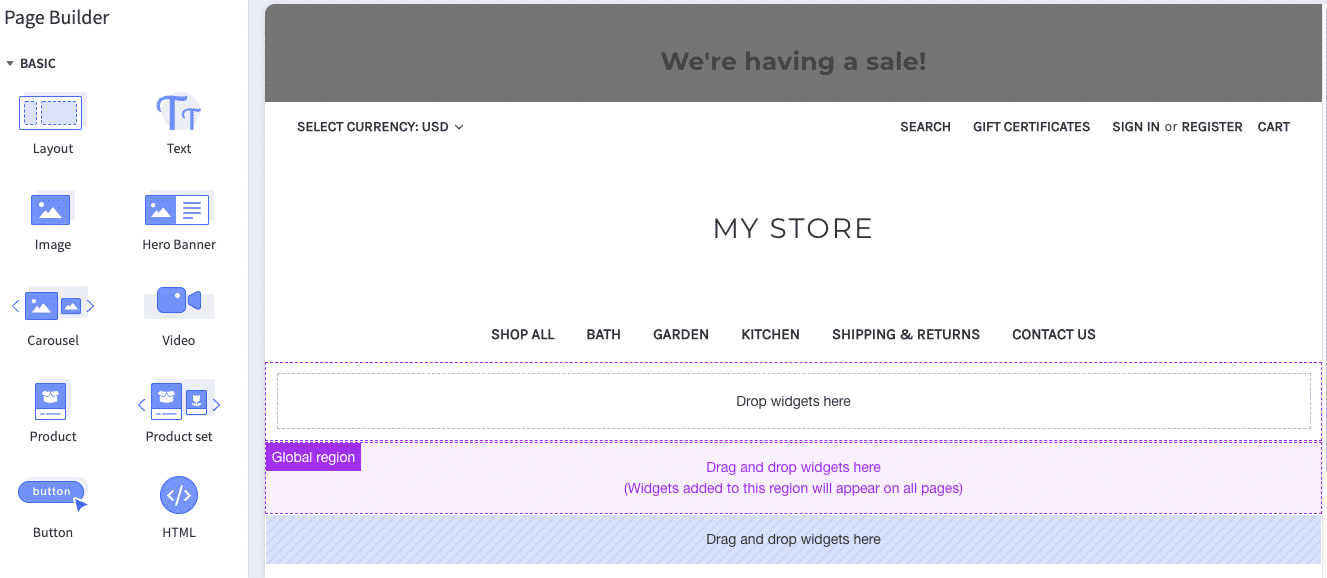
- Widgets: Drag, drop, and configure widgets to build your own content presentation within your storefront pages. The Widgets API can be used to add custom widgets with their own presentation and functionality to the existing suite of built-in widgets.
Your own theme supports the editing interface by defining and applying customizable settings, as well as defining the regions in which widgets can be used.
Makeswift
Makeswift on Stencil is in Beta. Features and availability are subject to change.
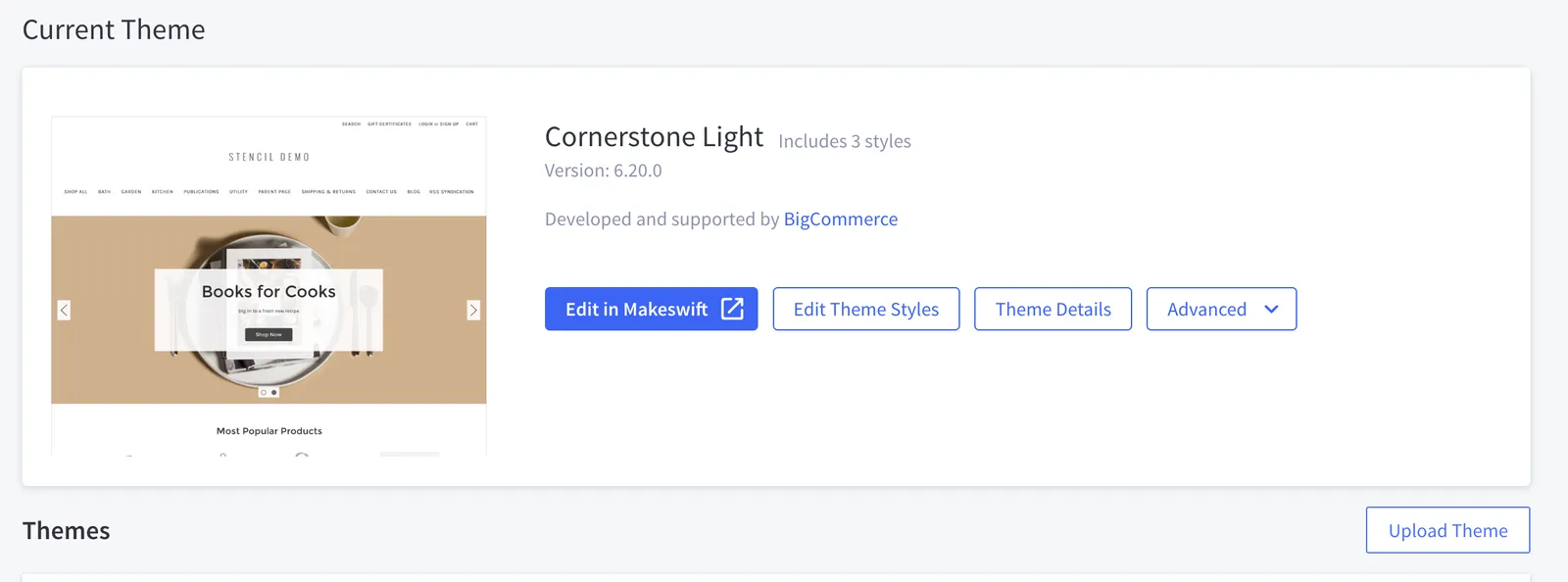
Makeswift is a visual editor that lets admin users build and style storefront pages directly in the browser, without editing theme files. On a Stencil storefront, you open Makeswift from the channel’s entry on the Channel Manager page in the control panel, using the Edit in Makeswift and Theme Styles buttons.
Inside the editor, you work on a live preview of your storefront. Built-in editing controls let you drag and drop components onto the page, arrange layouts, and adjust styling through side panels rather than code.
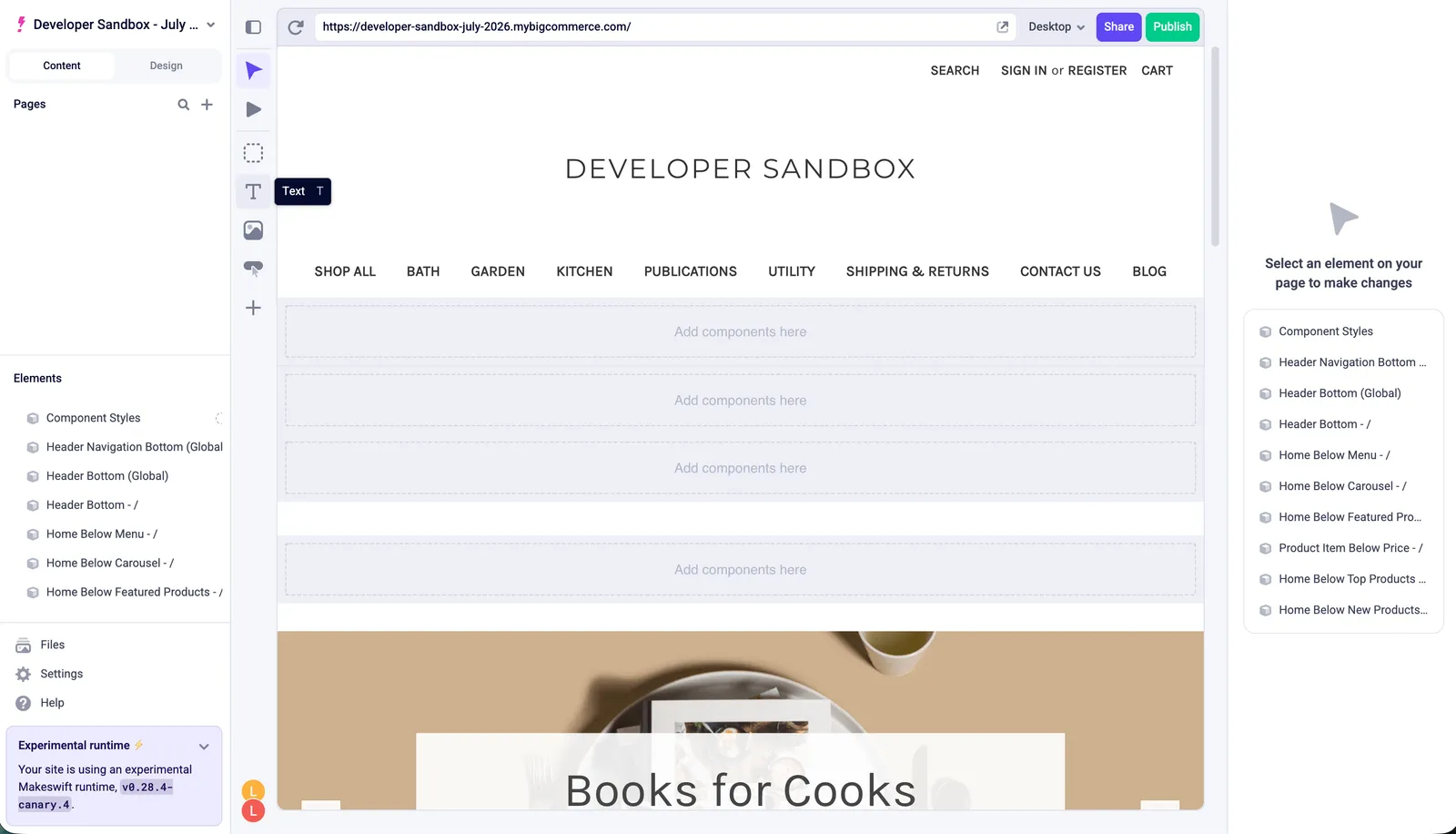
Makeswift also ships a set of Stencil-specific components that surface your store’s catalog and content — such as products, categories, and other dynamic data — so you can compose pages that stay in sync with your BigCommerce data. For the full list of components and setup details, see Makeswift on Stencil.