MCP Server Overview

An MCP server implements the Model Context Protocol so AI agents — like Claude, Cursor, and others — can discover and call tools over a standard protocol. In practice, an MCP server exposes a set of functions that agents can call to accomplish real-world tasks.

The BigCommerce MCP server lets AI agents interact with a BigCommerce storefront using purpose-built commerce tools. Agents can search products, manage a shopping cart, and hand off to checkout — all through natural language.

Available tool sets

Tool setStatusAuthentication
B2C StorefrontBetaGuest and logged-in customer shopping flows
B2B StorefrontBetaAuthenticated Buyer Portal user, gated per buyer permission

Both tool sets are served from the same MCP endpoint, and B2C tools aren’t exclusive to B2C stores: the catalog, cart, and checkout tools stay available to every session on a B2B-enabled store too, including guests — that’s how a B2B store serves unauthenticated shoppers. The B2B tool set adds the Buyer Portal–specific tools (shopping lists, quotes) on top of that, gated per store by B2B Edition and per tool by the authenticated buyer’s permissions. Logged-in B2C shoppers and B2B buyers both authenticate the same way — see Connecting with session sync below.

Prerequisites

  • A BigCommerce store with an active storefront
  • Node.js version 18 or higher (for npx mcp-remote)

Enable MCP on your store

The BigCommerce MCP server is currently in beta. You must be a store owner to enable MCP on a store.

2

Accept terms and enable MCP

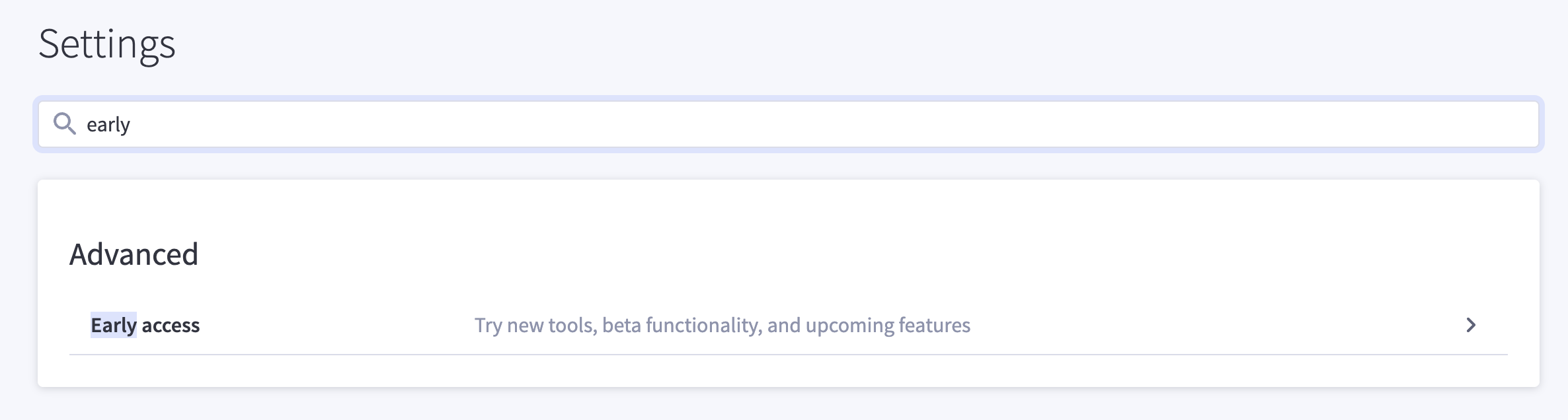
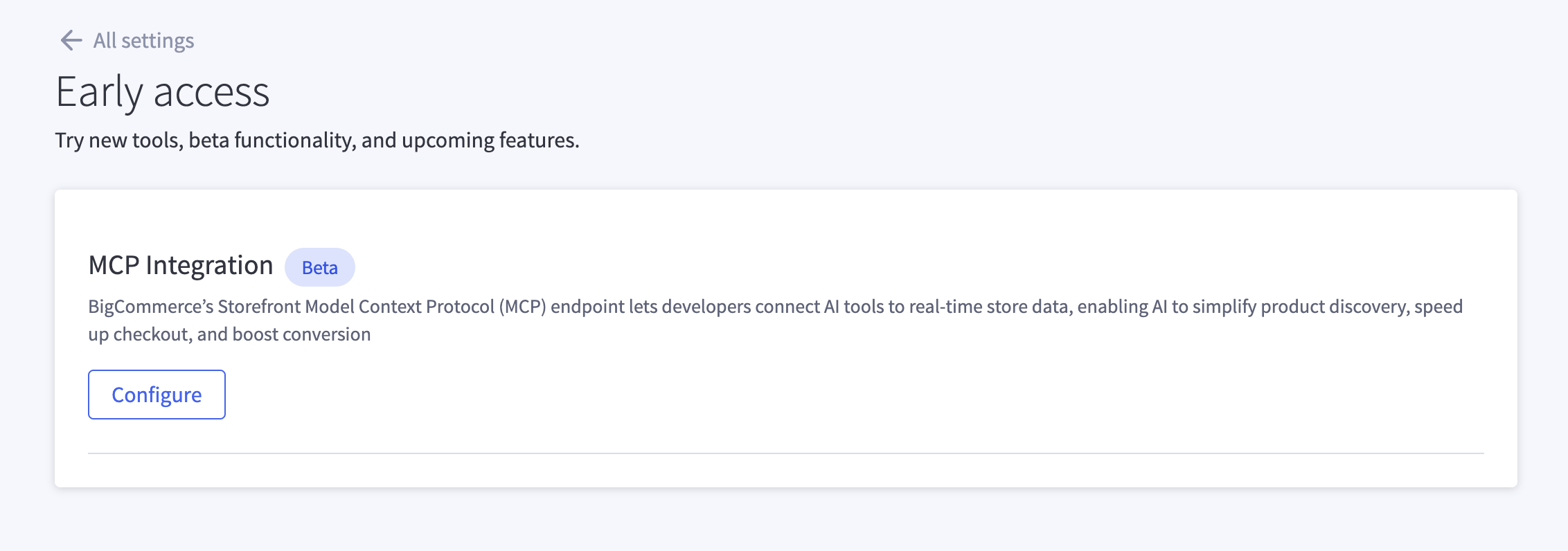
On the Early access page, locate MCP Integration and select Configure. Review and accept the terms of service to enable the MCP server for your store.

Enable MCP Integration on the Early access page

3

Get your MCP server URL

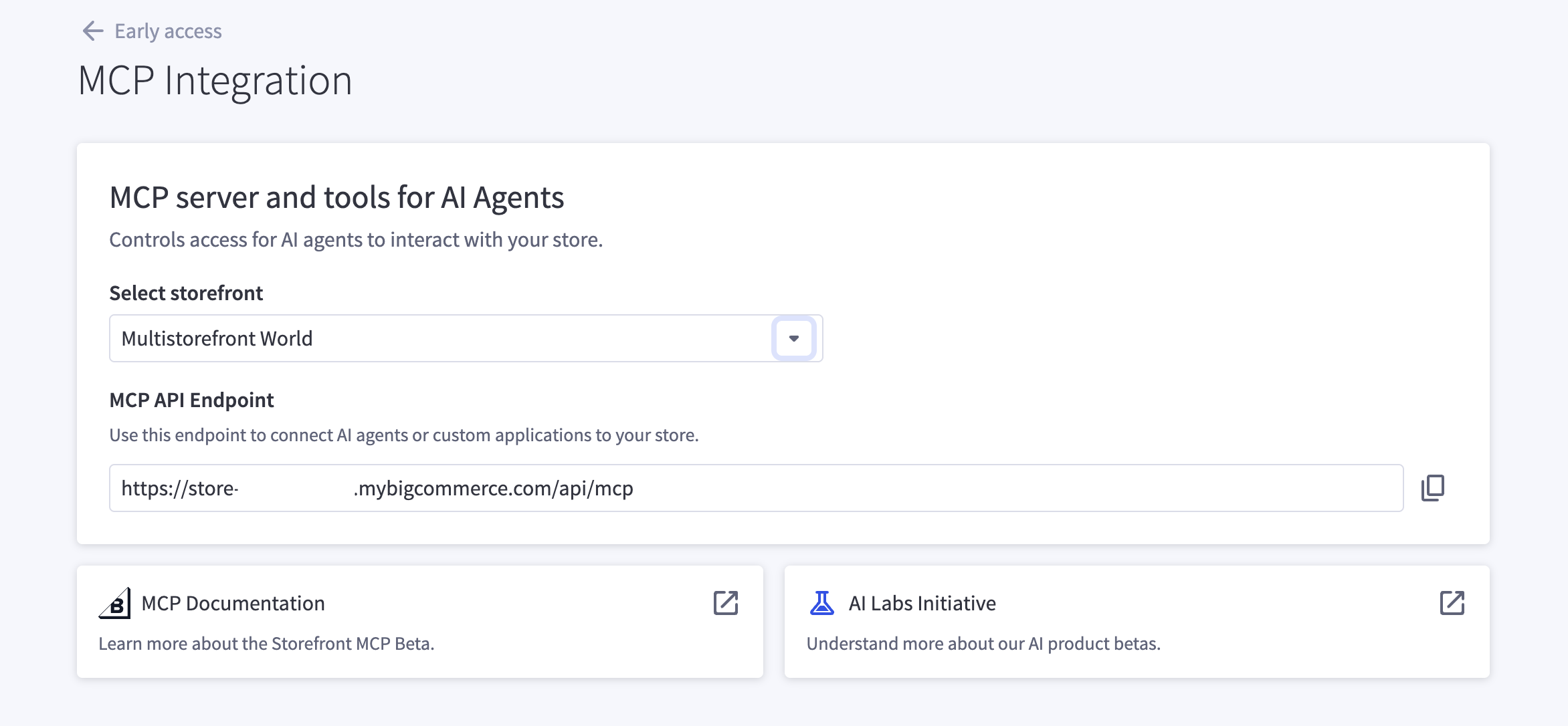
After enabling MCP, select a storefront from the dropdown to view its MCP API endpoint. Each storefront has its own unique MCP server URL.

Copy the URL and share it with your development team or partner solutions you want to integrate with.

MCP server URL per storefront

How to connect

Once the MCP server is enabled, you will receive an MCP server URL specific to your store. Replace <YOUR_MCP_SERVER_URL> in the snippets below with that URL.

Go to Settings → Developer → Edit Config and add the following:

claude_desktop_config.json
{
"mcpServers": {
"bigcommerce": {
"command": "npx",
"args": ["mcp-remote", "<YOUR_MCP_SERVER_URL>"]
}
}
}

Connecting with session sync (Stencil storefronts)

If you are building a chat widget on a Stencil storefront and want the agent to operate in the shopper’s existing browser session, pass a sync token at initialization. This is the same mechanism for both tool sets — it links the MCP session to a logged-in B2C customer session or an authenticated B2B buyer session, including the buyer’s company and permissions:

POST /api/mcp
X-Bc-Storefront-Sync-Token: <token-from-generateSessionSyncToken>

See Storefront session sync for setup instructions, including how to generate the token from Stencil and how to handle reverse sync when a new cart is created.

After enabling the MCP server in the control panel, it can take up to 10 minutes for the server to become fully available.