> This page is for Developer.
> For clean Markdown of any page, append .md to the page URL.
> For a complete documentation index, see https://docs.bigcommerce.com/llms.txt.
> For AI client integration (Claude Code, Cursor, etc.), connect to the MCP server at https://docs.bigcommerce.com/_mcp/server.
# Modifying Forms
## Modifying the template
You can customize the login experience by modifying the theme's `templates/pages/auth/login.html` file.
### Changing default text
Here is an example of the default text you can change in the **Login page** template:
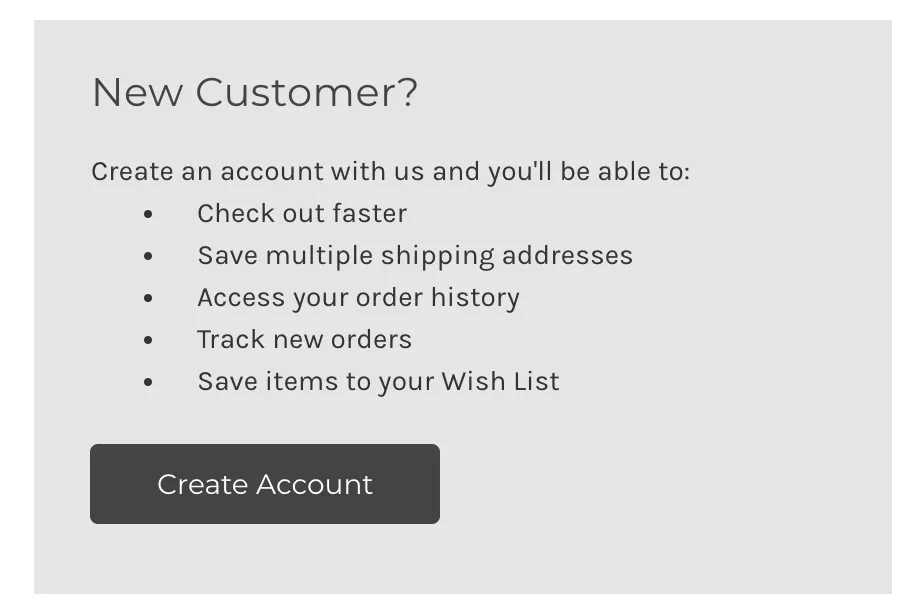
```html showLineNumbers={false}
{{lang 'login.new_customer.fact1' }}
{{lang 'login.new_customer.fact2' }}
```
You will find key value pairs for default form text in `/assets/lang/en.json`, and can modify them with your own custom values. For example:
```json showLineNumbers={false}
"new_customer": {
"heading": "New Customer?",
"intro": "Create an account with us and you'll be able to:",
"fact1": "Get customer perks",
"fact2": "Place a recurring order"
}
```
### Login form redirect
By default, customers are redirected to `/account.php` upon login, but you can redirect customers to another relative URL. You can do this by passing the parameter `id="redirect_to"` with a `value={path}` on a hidden form field within the `